See yourself in the dress before you buy it
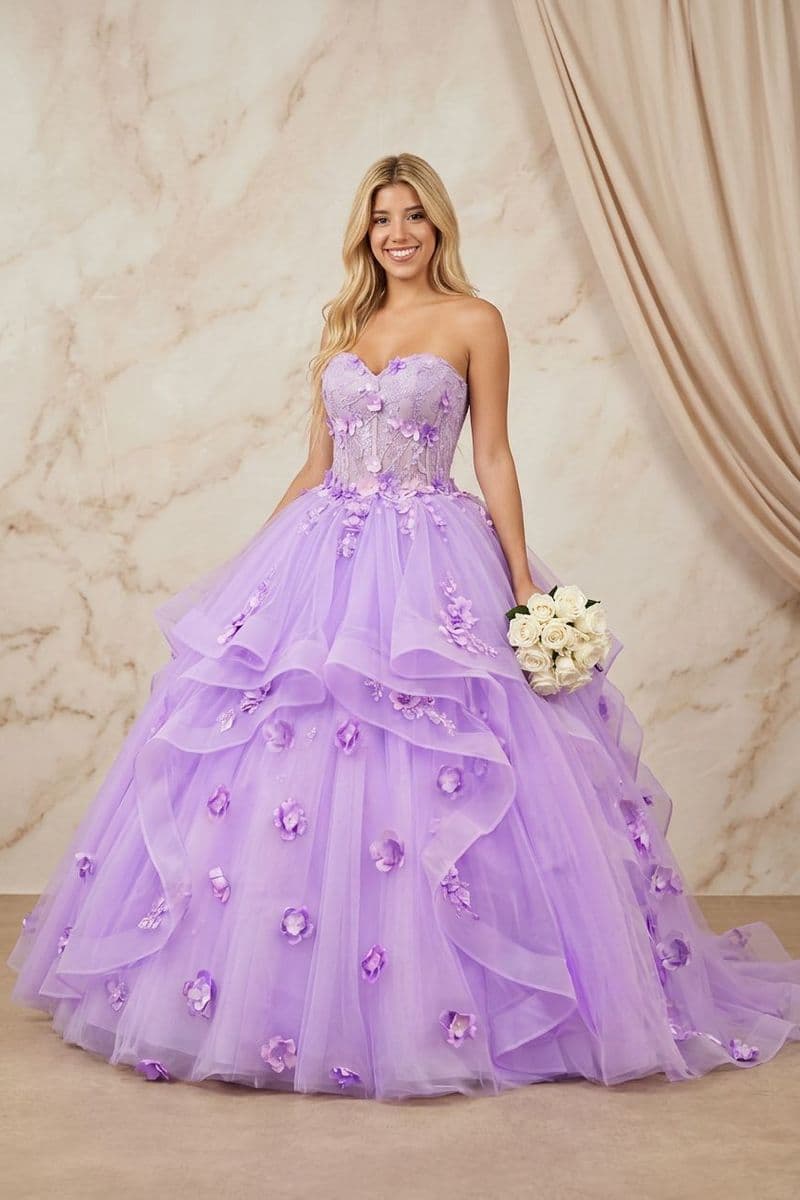
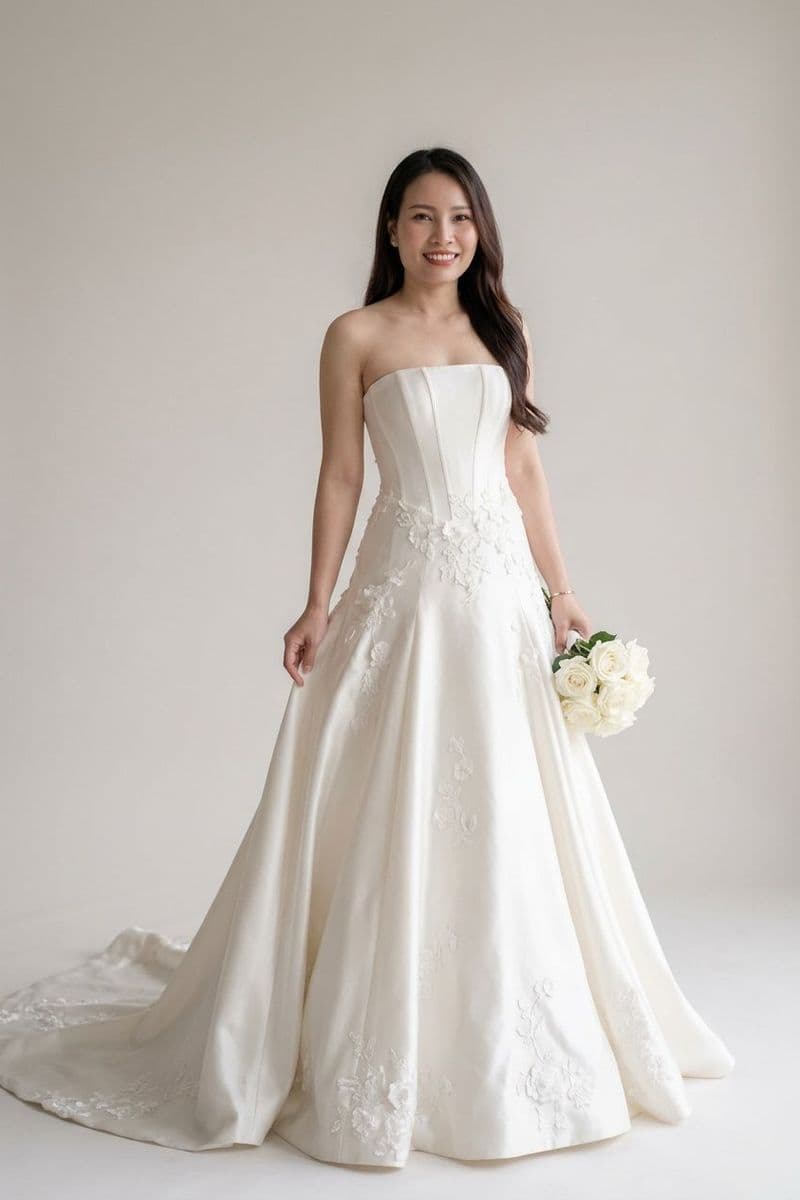
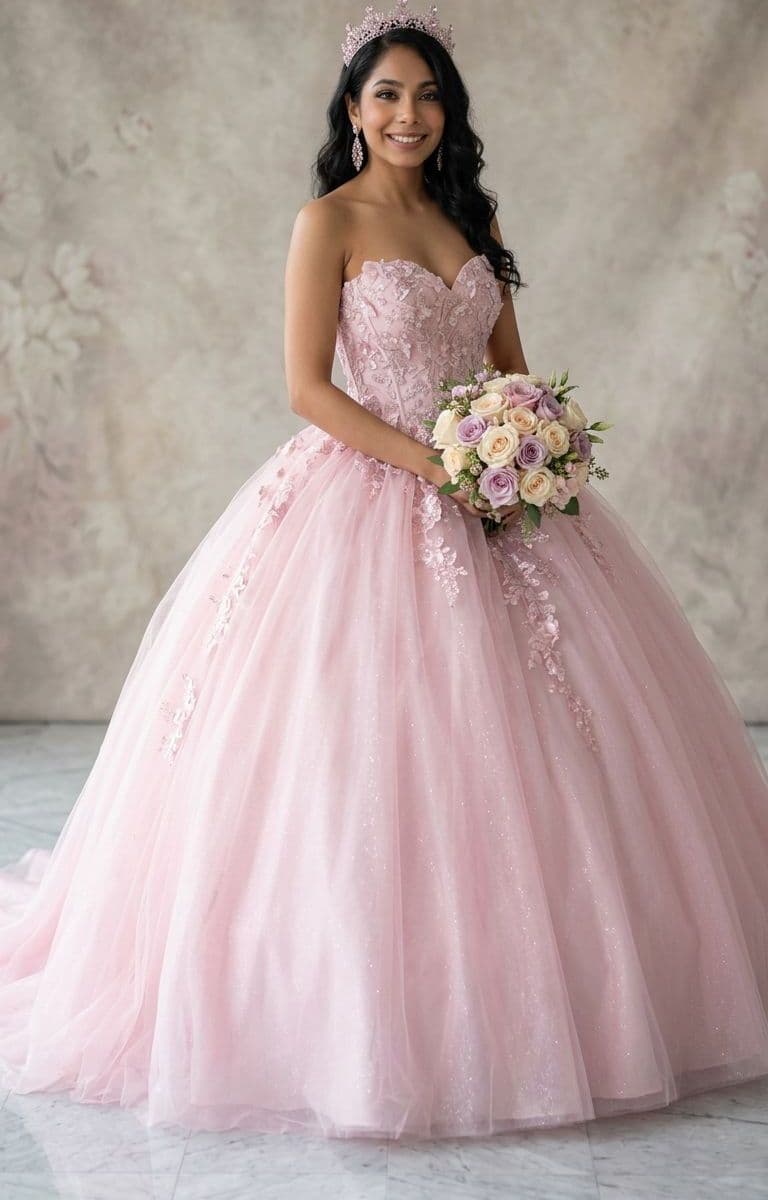
The Fitting Room is a virtual try-on for wedding dresses. Add one photo of yourself and any gown you're considering — from a photo or a product link — and it shows you the two together, so you can narrow a shortlist before booking a single appointment.
Try the Fitting RoomReal try-ons, before and after
Drag the handle on any pair. On the left is the photo that went in; on the right is what came back.



How the Fitting Room works
- 1
Confirm you're 18 or over
The Fitting Room creates images of a real person, so it's for adults only — even though the rest of WishGiven welcomes younger members. You enter your date of birth once, and we keep only the year.
- 2
Add a photo of yourself
One full-length photo works best: even light, a plain background, and your whole outfit in frame. It goes straight to private storage that only your account can read.
- 3
Add the dress
Upload a photo of the gown, or paste a link to the product page and we'll pull the image from it for you.
- 4
See it on you
The try-on takes about a minute. Keep the looks you love, discard the rest, and nothing is shared unless you choose to share it.
Your photos stay private
Uploads and results live in private storage tied to your account. They are never public by URL and never appear on anyone else's page. Delete a look and its images go with it.
Common questions
Start your shortlist
Build a wishlist of the gowns you're considering, then see them on you.
Try the Fitting RoomFree Wishlist Forever